Interactive Grilles
Follow sections, rhythm and harmony in one canonical grille. Transpose the song, change the display and keep the musical structure consistent across every view.
Interactive grilles for practice, performance and playing together — built around the way musicians actually work.
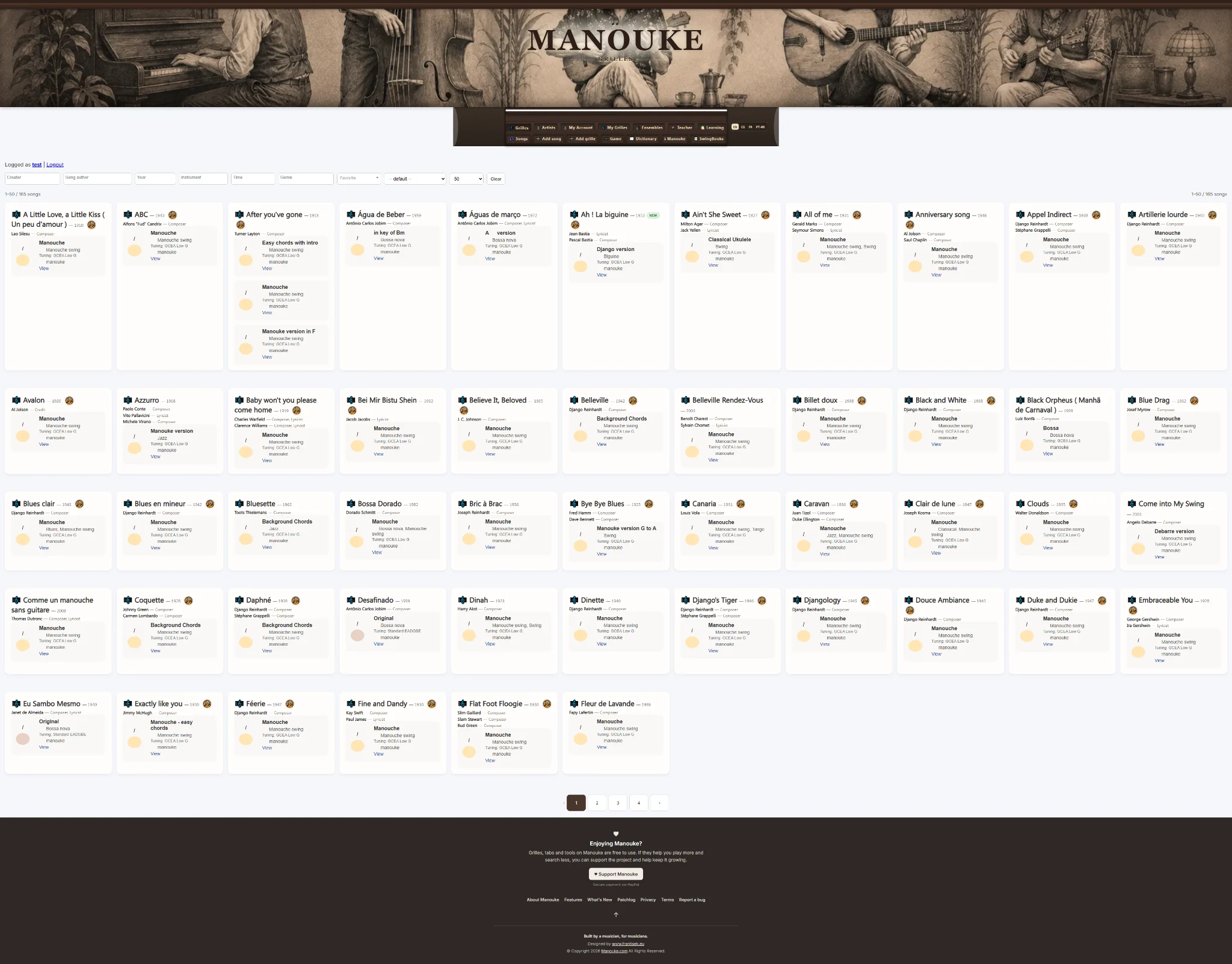
Manouke turns chord charts into interactive music tools. Choose your instrument, find useful voicings, practise with the player, switch to a clean performance view or play together across multiple devices.
Follow sections, rhythm and harmony in one canonical grille. Transpose the song, change the display and keep the musical structure consistent across every view.
Use the player, track practice and return to the material you are actually working on.
A focused stage view keeps the current chord, the next chord and your exact place in the arrangement visible without the rest of the editor getting in the way.
Start a synchronized session and let every player follow the same transport and arrangement while keeping their own instrument, voicing and display.
Switch between guitar, ukulele, cavaquinho and piano. The grille stays the same while Manouke adapts chord realizations and voicings to the instrument you are actually holding.
Assign grilles, organize repertoire and keep students or band members working from the same musical structure.
Follow sections, rhythm and harmony in one canonical grille. Transpose the song, change the display and keep the musical structure consistent across every view.
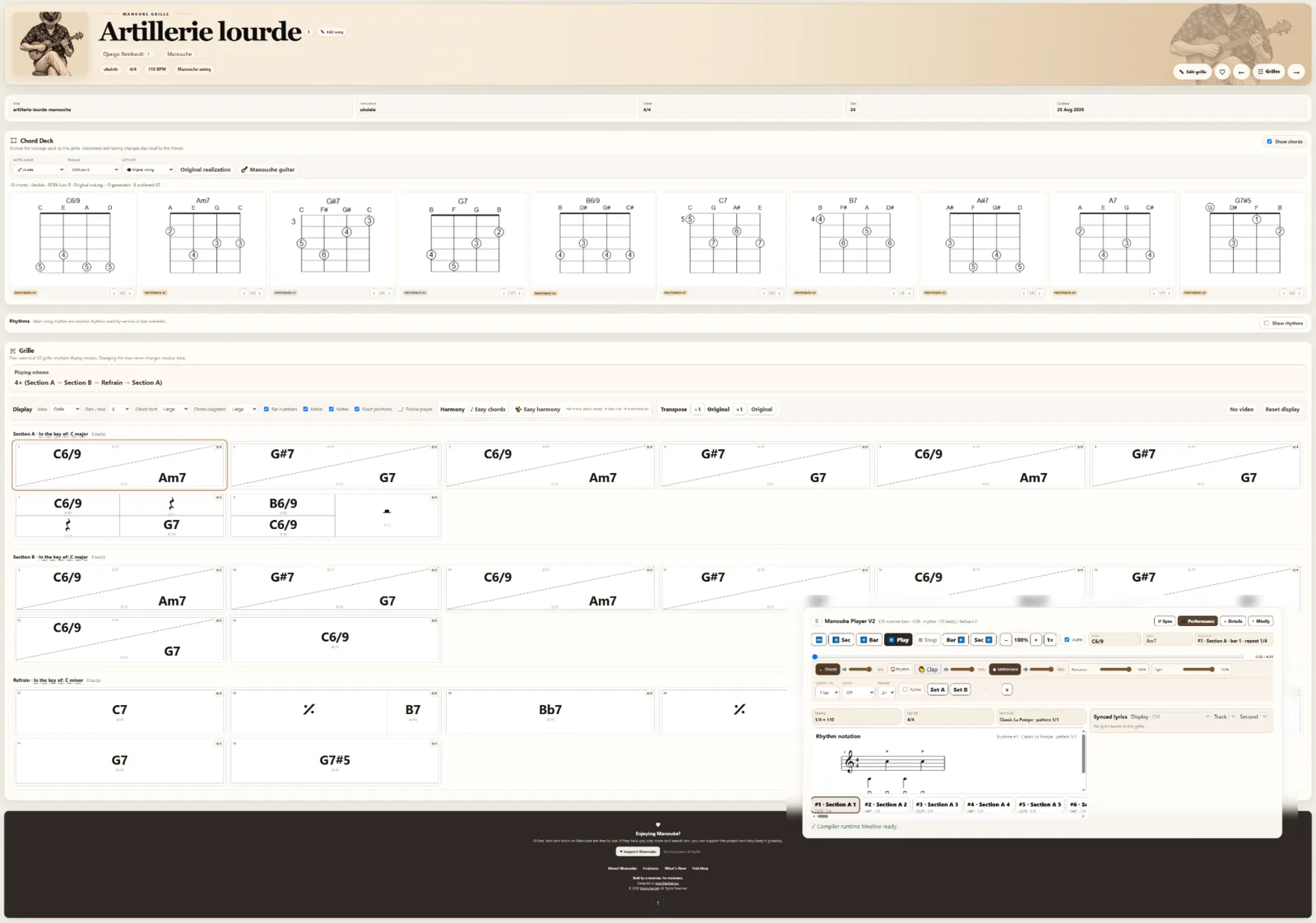
Start a synchronized session and let every player follow the same transport and arrangement while keeping their own instrument, voicing and display.
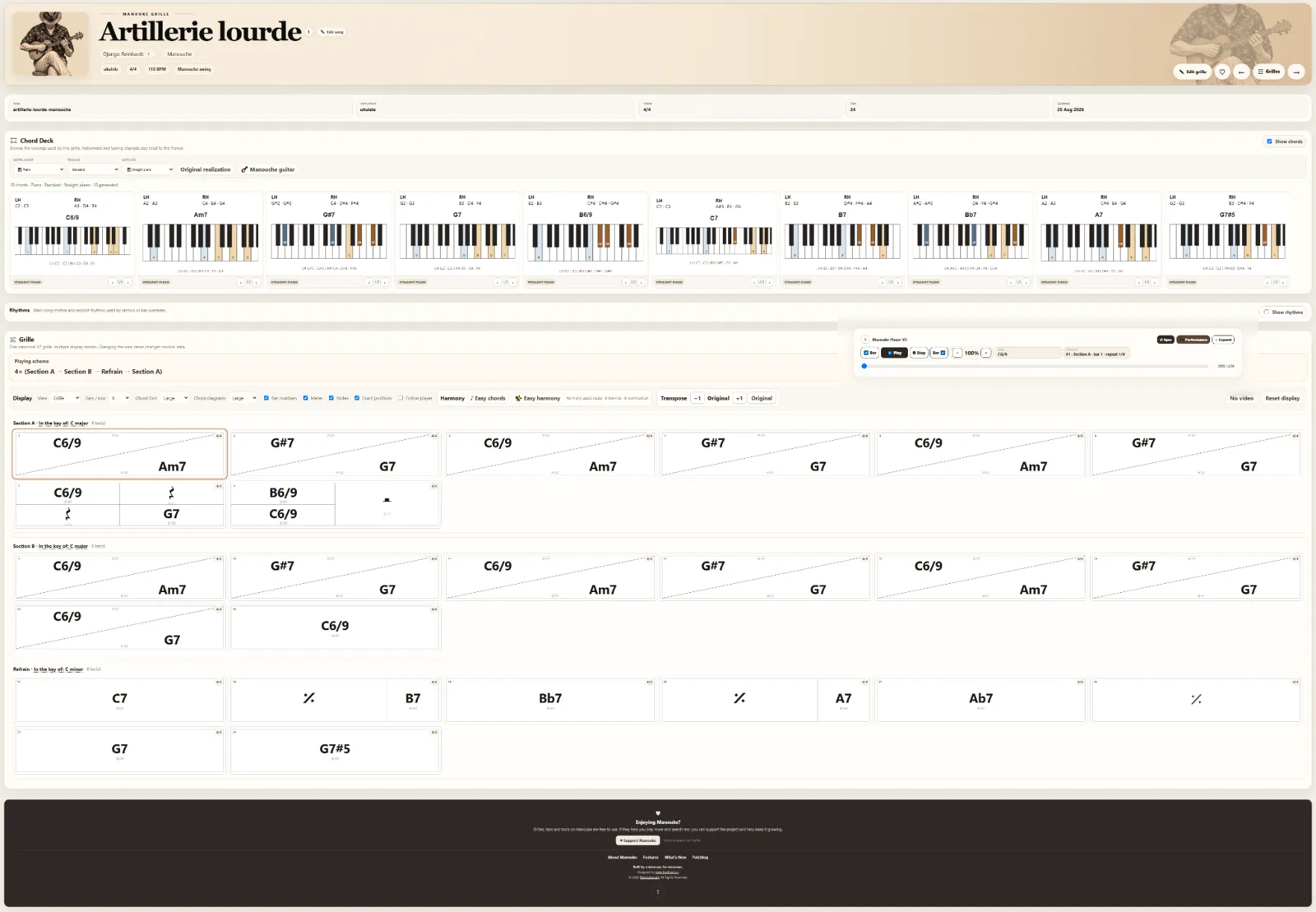

A focused stage view keeps the current chord, the next chord and your exact place in the arrangement visible without the rest of the editor getting in the way.
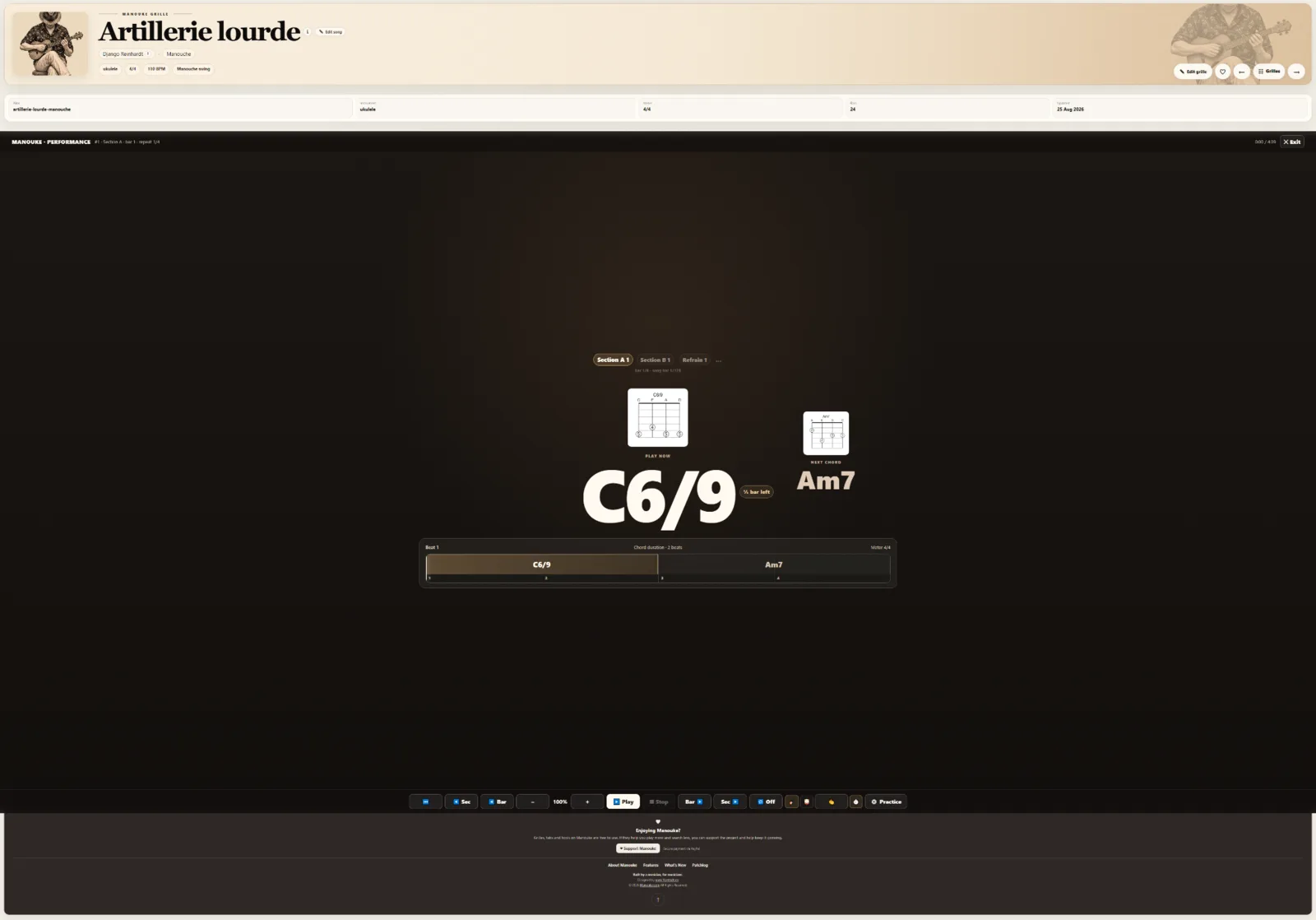
Switch between guitar, ukulele, cavaquinho and piano. The grille stays the same while Manouke adapts chord realizations and voicings to the instrument you are actually holding.
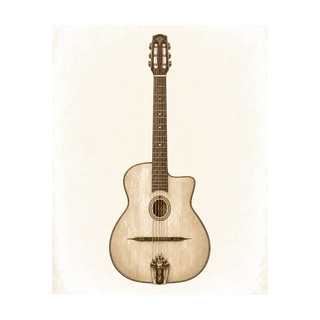 Guitar
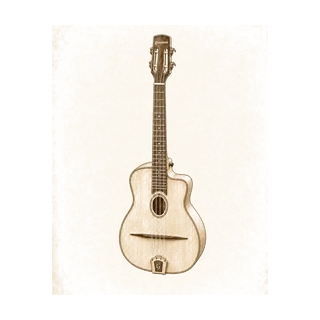 Ukulele
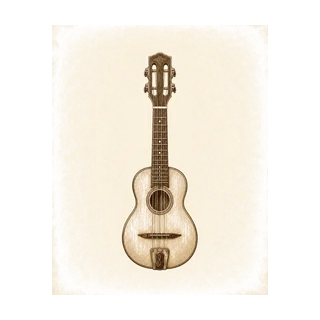 Cavaquinho
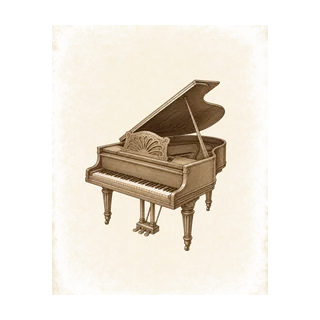 Piano
Piano
Assign grilles, organize repertoire and keep students or band members working from the same musical structure.
Use the player, track practice and return to the material you are actually working on.
Learning →Assign grilles, organize repertoire and keep students or band members working from the same musical structure.
Ensembles →Create and manage your own grilles, define sections, rhythm and chord events, and keep them private or share them when you are ready.
Manouke →Explore the public library and see what Manouke can do with a real song.